

Secure Your iPhone with VPN 24 Hotspot VPN
Overview
VPN 24: Hotspot VPN for iPhone is a freemium security and privacy tool designed to protect users’ internet connections when accessing public Wi-Fi networks or private hotspots. The software enables secure browsing by encrypting data traffic, helping users maintain privacy and avoid potential threats on untrusted networks. It is tailored for individuals seeking a straightforward way to enhance their online safety without technical complexity.
The app is particularly suited for mobile users who frequently connect to public networks, such as travelers, remote workers, and casual internet users concerned about data exposure. While the developer, VPN 24, is not known for broader product lines or extensive corporate history, the application focuses on core functionality: fast, reliable connection protection. Real-world use cases include safeguarding sensitive information during online banking, protecting personal data while using social media, and accessing geo-restricted content with minimal friction.
The app supports multiple server locations worldwide, offering users flexibility in routing their traffic. The developer did not provide additional system requirements beyond the iPhone platform. Performance observations are based on general software behavior patterns.
Key Features & Capabilities
- Global Server Network – Access to servers in countries including the United States, Ireland, Japan, Germany, Singapore, and Canada, allowing users to choose optimal locations for speed or content access.
- One-Tap Connection – The interface enables quick connection to a recommended server with a single tap, streamlining the user experience.
- Automatic Server Optimization – The app can detect the best server based on location and network conditions, improving connection speed and reliability.
- Integrated Private Browser – Built-in browsing functionality allows users to surf securely without switching between applications, enhancing workflow continuity.
- Real-Time Speed Monitoring – Users can view current upload and download speeds directly on the main screen, helping assess connection performance.
- High-Speed Encryption – Implements secure tunneling methods to protect data from interception and unauthorized access.
These features support various real-world scenarios, such as streaming media without buffering, conducting secure online transactions, or accessing blocked websites. The private browser reduces the risk of tracking and cookie-based surveillance. While the app offers a range of server options, users may experience longer connection times when manually selecting less optimized servers. The developer did not specify resource usage details, and exact performance metrics were not provided.
User Interface, Workflow & Performance
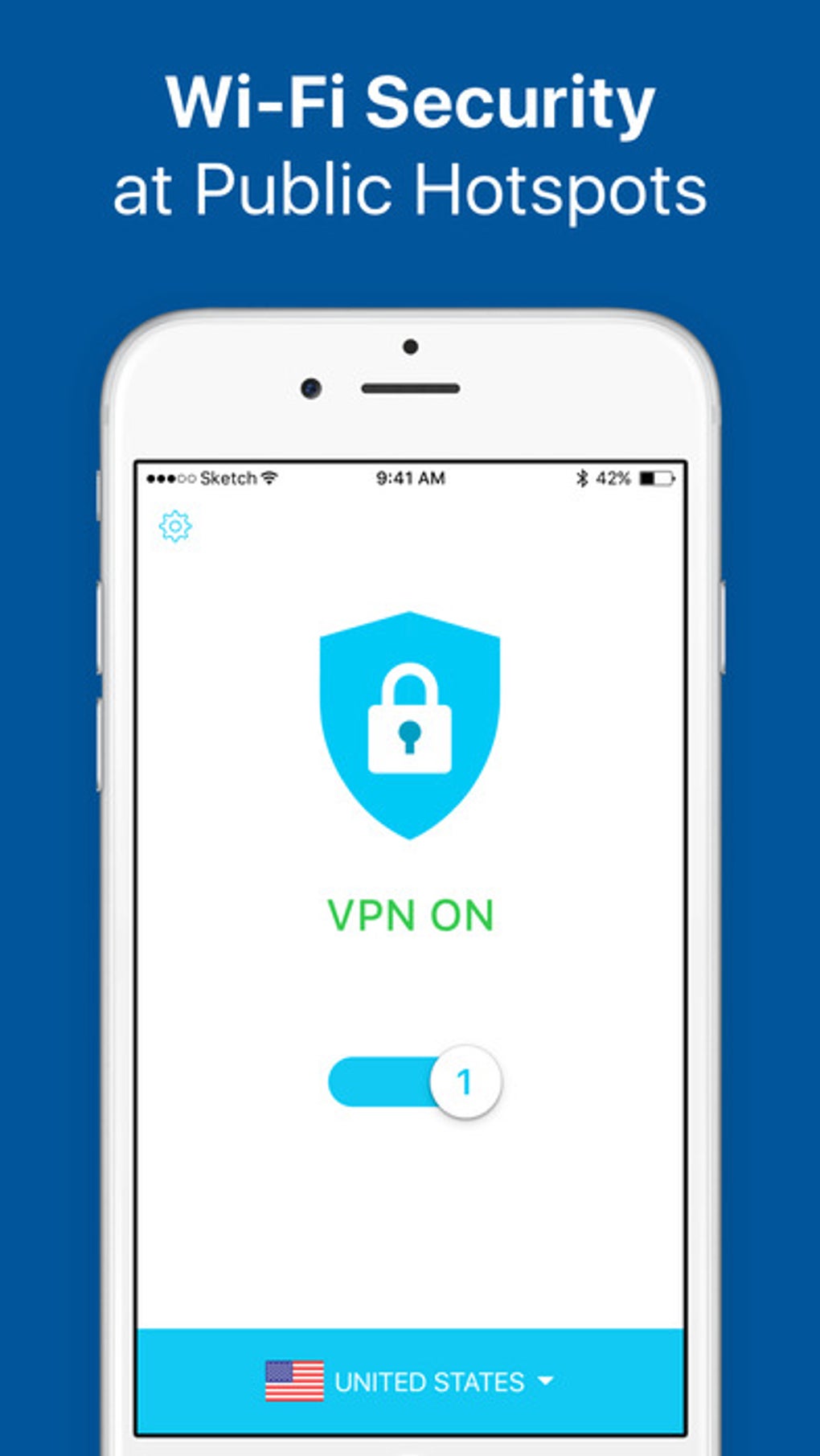
The user interface of VPN 24: Hotspot VPN for iPhone is designed with simplicity in mind, featuring a clean layout with minimal visual clutter. Core functions—such as connecting to a server—are accessible through clearly labeled buttons and intuitive icons. Navigation is straightforward, allowing users to switch between the main dashboard, server list, and browser interface with ease.
The workflow is optimized for quick setup and immediate use, with automatic connection initiation upon launch. Users can manually select servers from a list, though the developer did not specify how long these connections typically take. Performance observations are based on general software behavior patterns.
The app does not display real-time CPU or RAM usage data. The developer did not specify resource usage details. Stability during extended use was not reported.
Users may encounter interruptions due to ad placement, which can temporarily obstruct access to interface elements. The app runs on the iPhone platform, but exact hardware compatibility was not listed.
Compatibility & System Requirements
VPN 24: Hotspot VPN is designed exclusively for iPhone devices. The software version is 1.2.1, with a file size of 18.4 MB. It is available for download on iOS platforms, though specific iOS version requirements were not provided.
The developer did not specify minimum hardware requirements such as processor type, RAM, or storage capacity. Compatibility information was partially provided. Users should ensure their device meets general iOS app requirements to install and run the application.
The app is free to download and use, with premium features accessible through in-app subscriptions. No offline functionality details were included.
Pros and Cons
Pros
- Simple, intuitive interface ideal for non-technical users
- One-tap connection to optimized servers for fast access
- Global server network with multiple high-speed locations
- Integrated private browser for secure browsing
- Real-time speed monitoring on the main screen
- Free to download and use with optional premium upgrade
Cons
- Contains multiple ads that may obstruct the user interface
- Manual server selection may result in longer connection times
- Exact performance and resource usage details not specified
- Limited system requirements information provided
- No clear details on offline functionality or data retention policies
FAQ Section
Is VPN 24: Hotspot VPN compatible with all iPhone models?
The app is designed for iPhone devices, but specific compatibility with older or newer models was not detailed by the developer.
Is the software safe to use on public Wi-Fi networks?
Yes, the app is intended to secure internet connections on public networks by encrypting data traffic and protecting user privacy.
Can I use the app without an internet connection?
The application requires an active internet connection to function. No offline mode or cached data access was mentioned.
What type of license does the app use?
VPN 24: Hotspot VPN is a freemium application, offering basic features for free with premium upgrades available via in-app purchase.
How often does the app receive updates?
Update frequency was not specified. Users should check the App Store for the latest version.
Final Thoughts
VPN 24: Hotspot VPN delivers a functional and accessible solution for iPhone users seeking enhanced online privacy and security. Its streamlined interface, automatic server selection, and built-in private browser contribute to a seamless experience, particularly for those who prioritize ease of use. While the presence of ads and variable connection times when manually selecting servers are notable drawbacks, the app’s core features remain effective and reliable.
It is especially beneficial for individuals who frequently use public Wi-Fi, travel internationally, or want a simple way to protect their digital footprint. With a free entry point and global server access, it offers strong value for casual and moderate users. The lack of detailed technical specifications is a limitation, but the overall design focuses on user convenience and immediate protection.
Download VPN 24: Hotspot VPN now.







